
⚔️ Armies
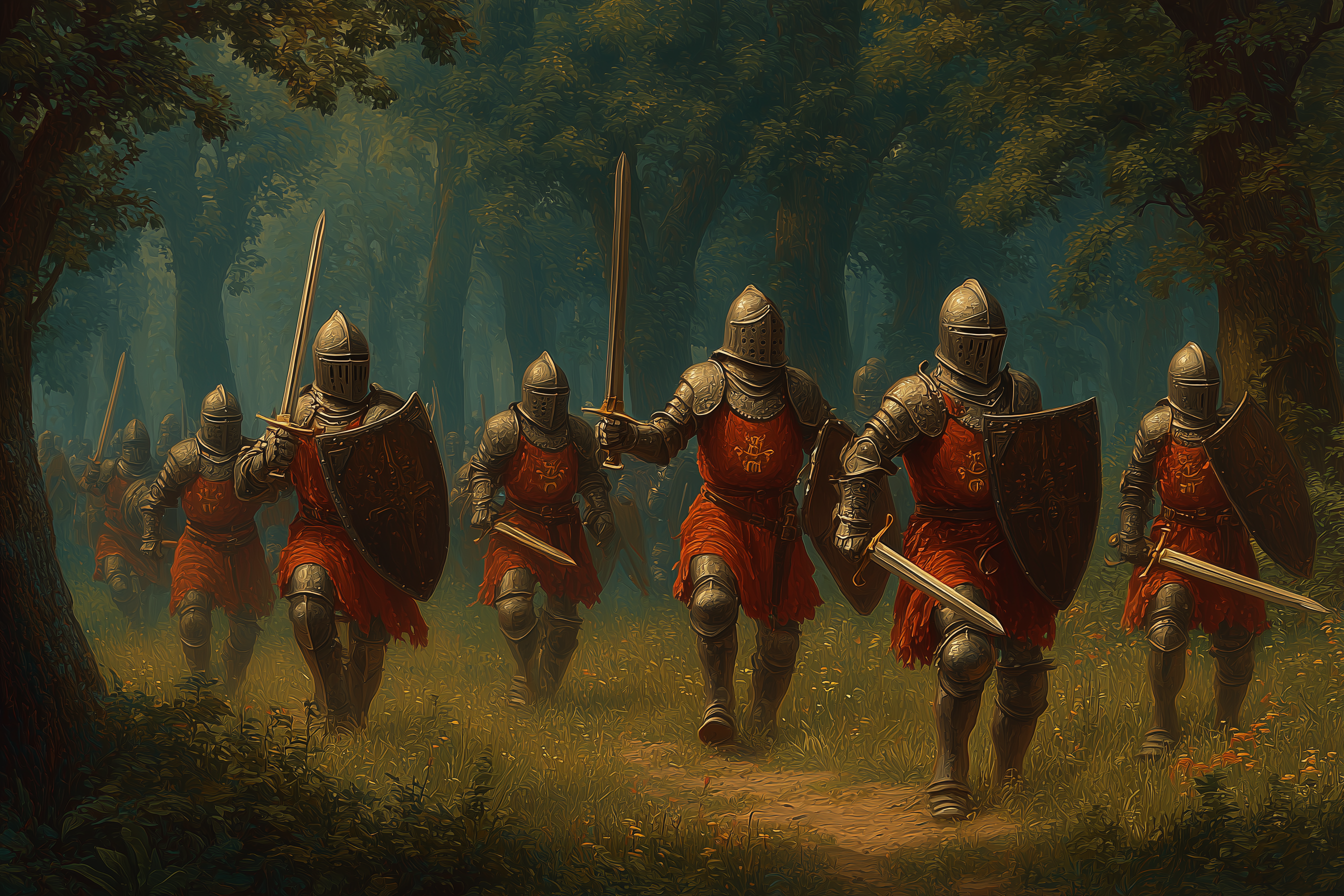
Individual armies consist of a single troop type and tier. Each hex can host only one army, so Lords must carefully manage their positioning and engagement opportunities.
Structure Guards and Claims
Structure guards defend Camps, Essence Rifts, Hyperstructures, and Realms from their guard slots. Crossbowman armies and Crossbowman guards can use Combat v3 range-2 attacks to clear or threaten enemies from a distance, but a ranged attack never claims a structure. Once guards are cleared, the claiming army must move adjacent and use an adjacent attack/claim path to take control.
Army Strength and Deployment
Blitz uses a strength-based deployment system that determines how many troops can be deployed based on Realm level and troop tier.
Army Strength Calculation
Army strength is calculated as: Army_Strength = Troop_Amount × Tier_Strength
Where Tier Strength values are:
- T1: 1
- T2: 3
- T3: 9
Deployment Caps & Army Slots
Each Realm level has a maximum deployment cap that limits the total army strength that can be deployed, as well as a set number of field and guard army slots.
Maximum Army Size
The maximum number of troops in a single army depends on both the deployment cap and the troop tier, calculated as:
Max_Army_Size = (Deployment_Cap / Tier_Strength) × Tier_ModifierWhere Tier Modifiers are:
- T1: 0.5
- T2: 1.0
- T3: 1.5
- A Kingdom (45,000 cap) deploying T2 troops: (45,000 / 3) × 1.0 = 15,000 T2 troops per army
- A City (15,000 cap) deploying T3 troops: (15,000 / 9) × 1.5 = 2,500 T3 troops per army
- An Empire (90,000 cap) deploying T1 troops: (90,000 / 1) × 0.5 = 45,000 T1 troops per army
Field Armies
Field armies are used to project force on the world map, explore unknown territories, claim hyperstructures, defeat bandit forces, and engage in combat with other players. These armies are deployed onto one of the six hexes surrounding their parent Realm on the world map. If all hexes adjacent to the Realm are occupied, a field army cannot be deployed. Once deployed, these armies occupy a hex and traverse the world map based on the conditions outlined in the World Map & Movement section.
Field armies are tied to the Realm or Camp that created them. They can only merge with field armies from the same structure, and can only transfer into guard slots of their own structure. Guard armies can only transfer back into field armies from the same structure.
Lords may direct their field armies to attack another army or structure on any adjacent hex by selecting the army with left-click, then right-clicking the target hex. When attacking a structure, the field army will engage in combat against any guard armies present.
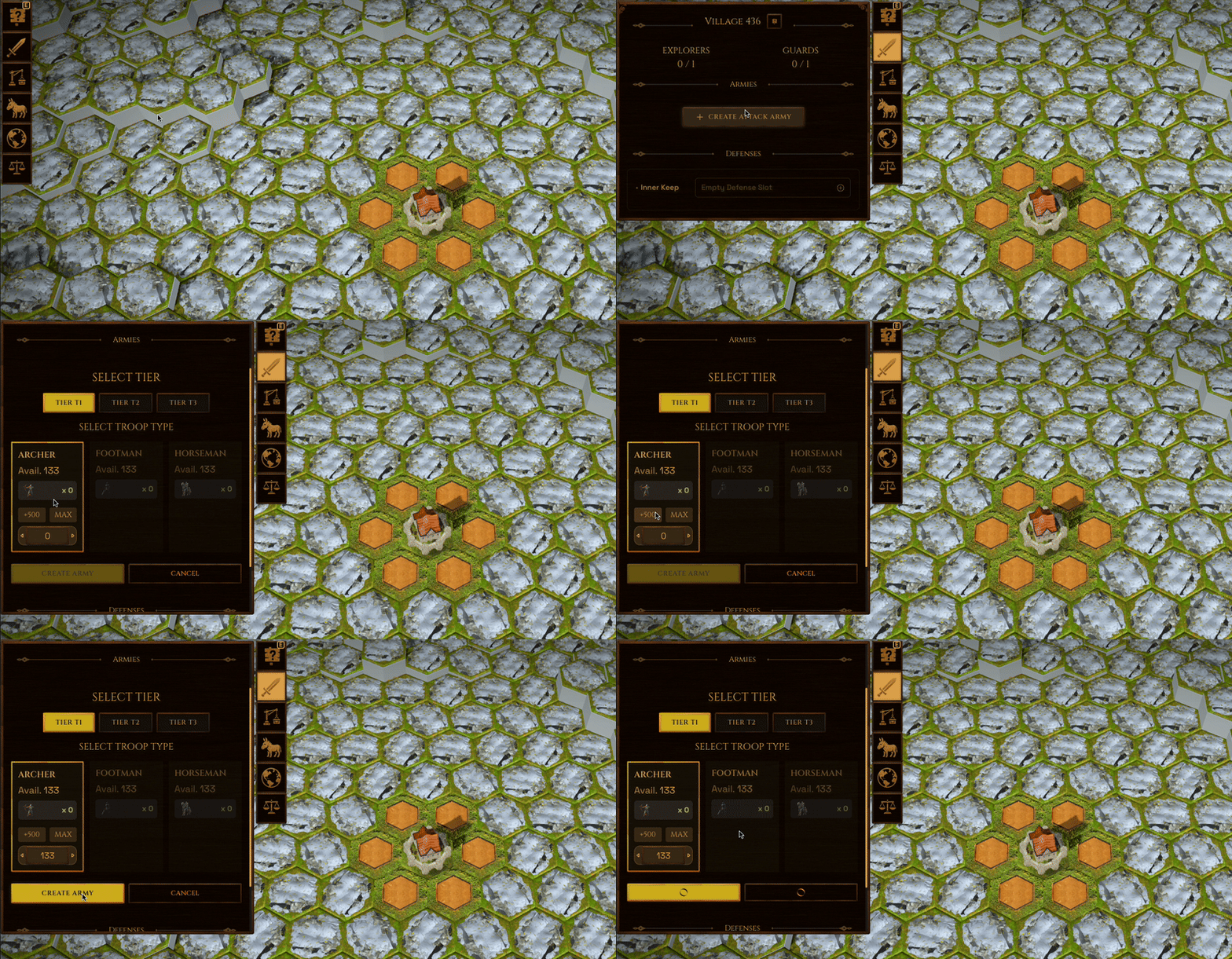 Flow to create field army in the client
Guard Armies
Guard armies do not appear on the world map; instead, they occupy defense slots visible in the Military tab of the Local view. When in the World view, Lords can observe the defensive capabilities of any structure by selecting a hex and opening up the Details tab.
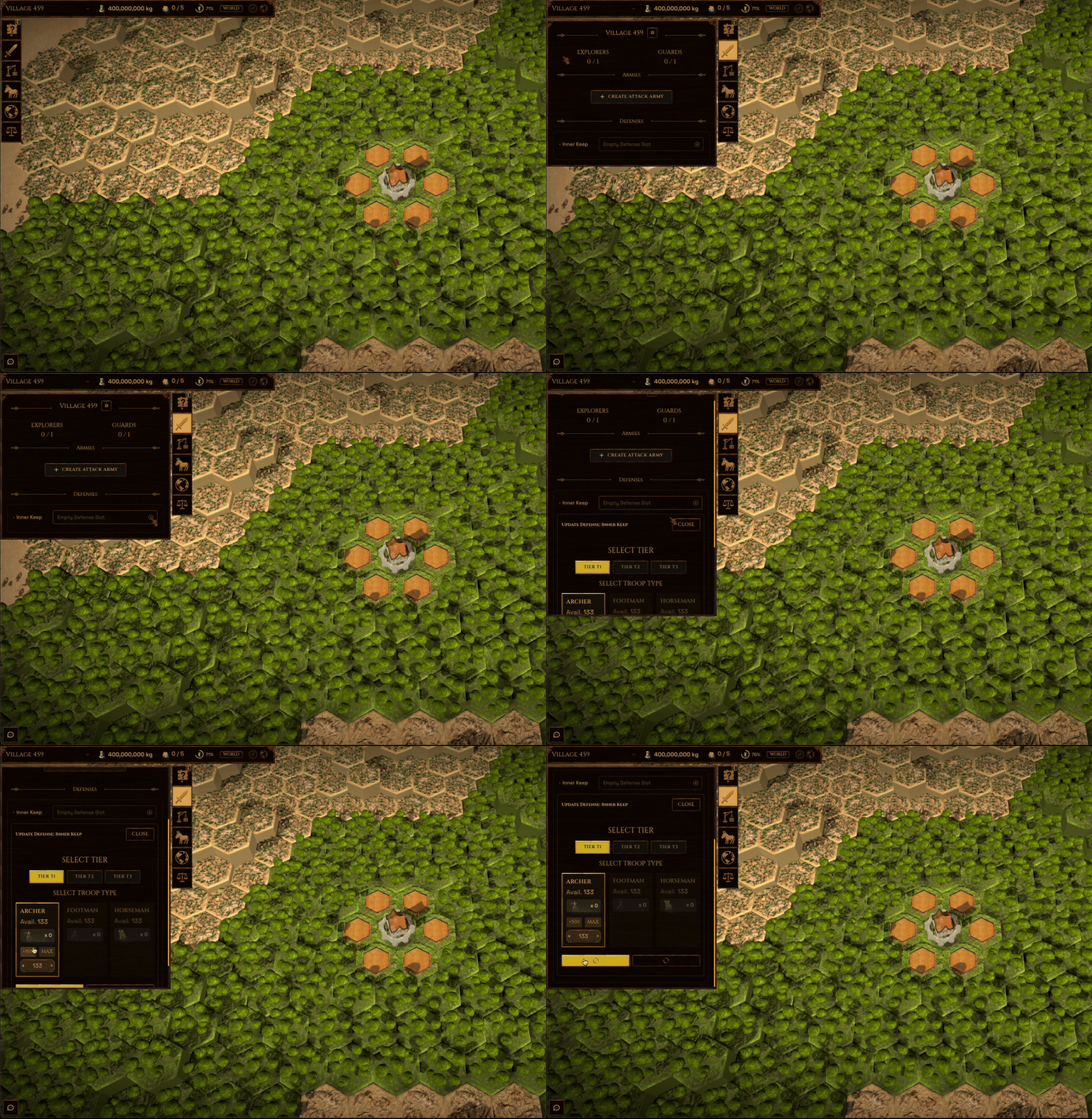 Flow to create guard in the client
When attacked, guard armies are targeted sequentially starting from the outermost occupied slot. If a guard army is destroyed, the slot that it occupied becomes unavailable for reinforcement for 10 minutes. Once all guard armies are defeated, the structure becomes vulnerable to being claimed by an adjacent field army. Lords can also direct their guard armies to launch attacks against enemy field armies on adjacent hexes by selecting their structure on the world map, then right-clicking the target hex.
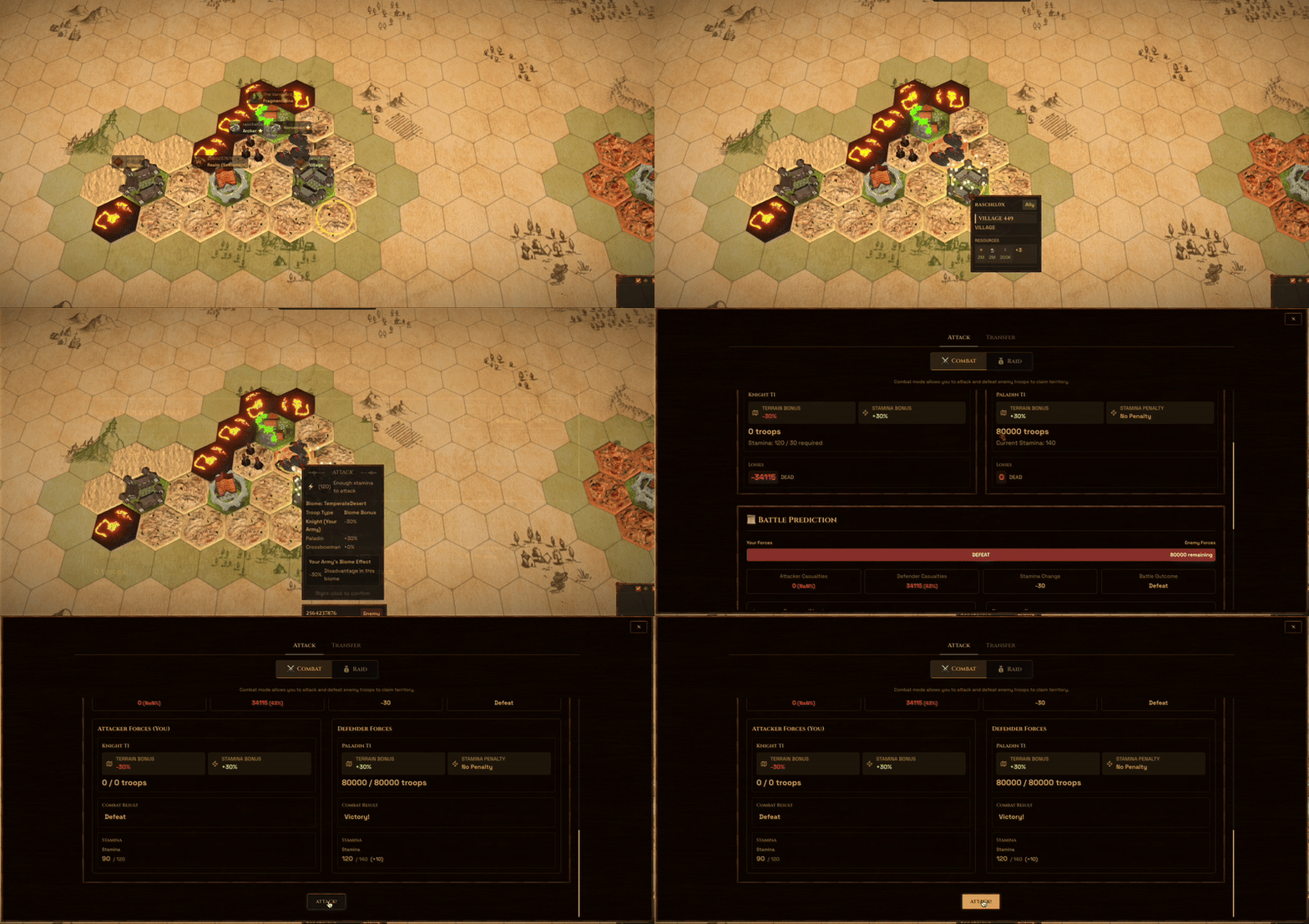 Attack field army with structure
World Structure Deployment
World Structures follow their structure-specific army slot limits:
- Camps: Use Settlement-level deployment caps, can create 1 field army, and can maintain 1 guard slot
- Essence Rifts: Use Settlement-level deployment caps and can maintain 1 guard slot
- Hyperstructures: Use Empire-level deployment caps and can maintain 4 guard slots
Essence Rifts and Hyperstructures are defensive-only structures for armies. Camps are the only discoverable world structure that can create field armies.
| World Structure | Guard Slots |
|---|---|
| Camp | 1 |
| Essence Rift | 1 |
| Hyperstructure | 4 |